Step 1:
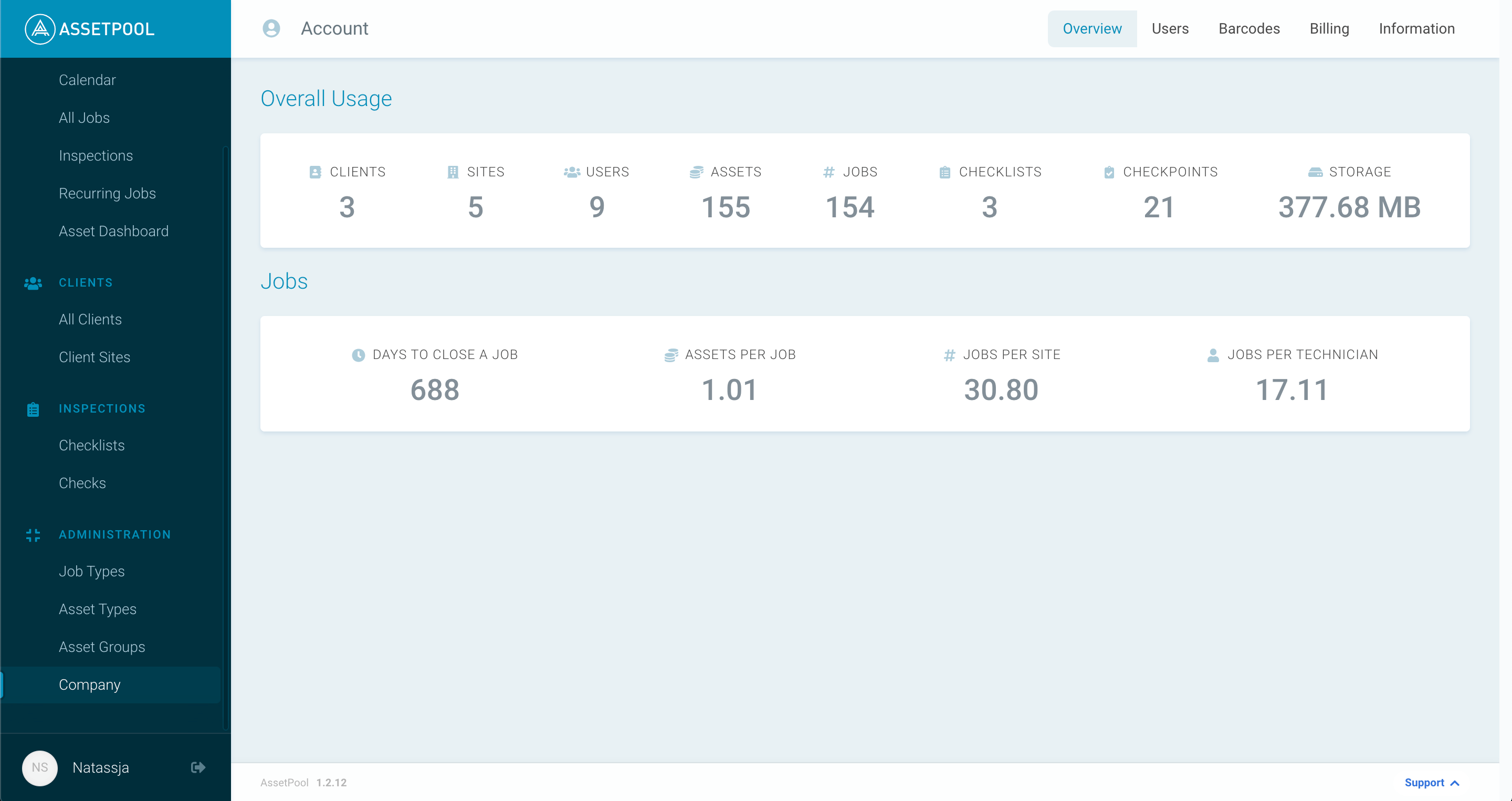
Click on the Company navigation bar item, found on the left beneath the "Asset Groups" navigation bar item, within the ADMINISTRATION section.
Step 2:
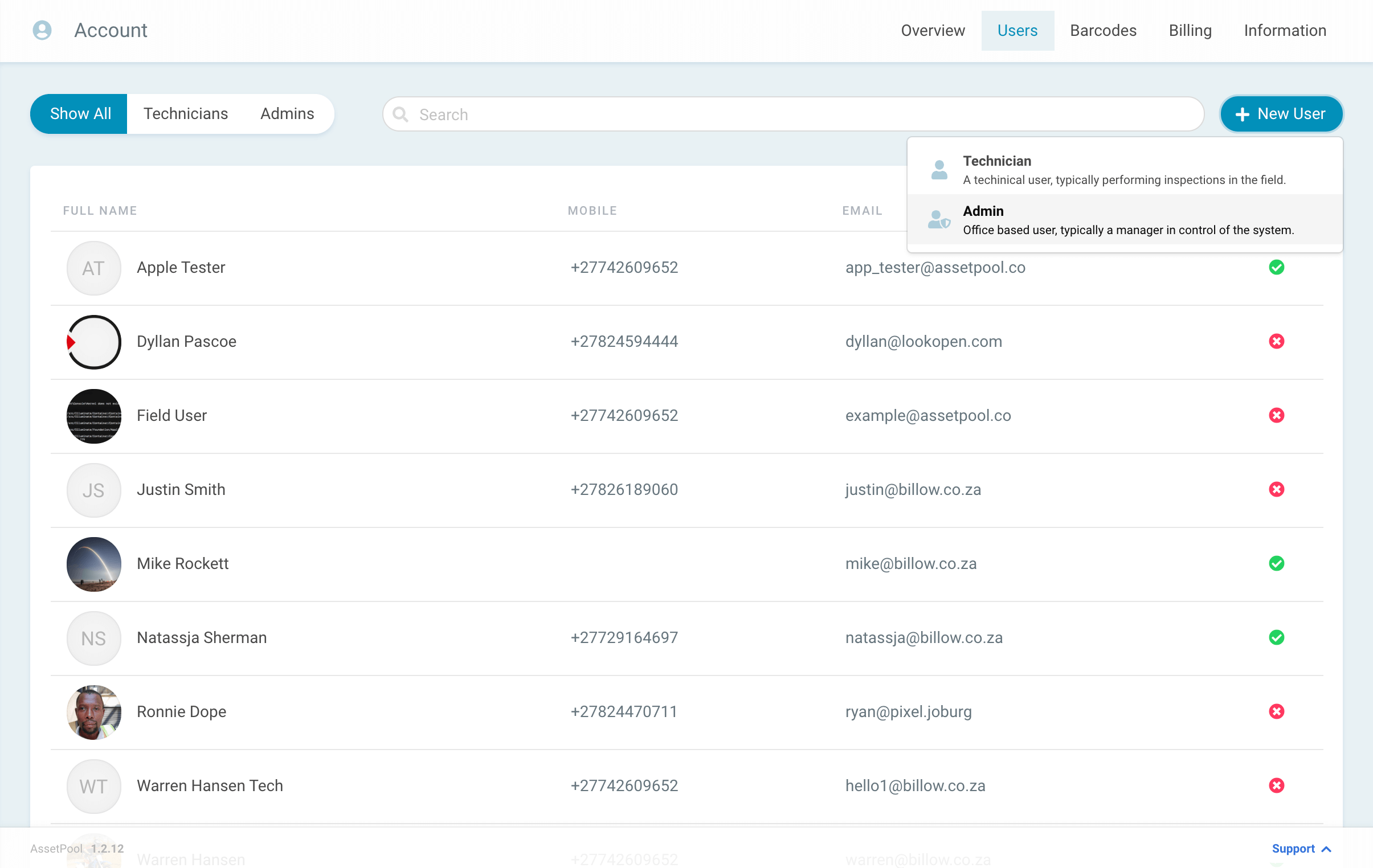
At the top right there is a menu, click on the Users menu-item.
You will be taken to the screen below, showing a list of all users.

Step 3:
Select the
+ New User
button.

Step 4:
Select Admin as the type of user.
Step 5:
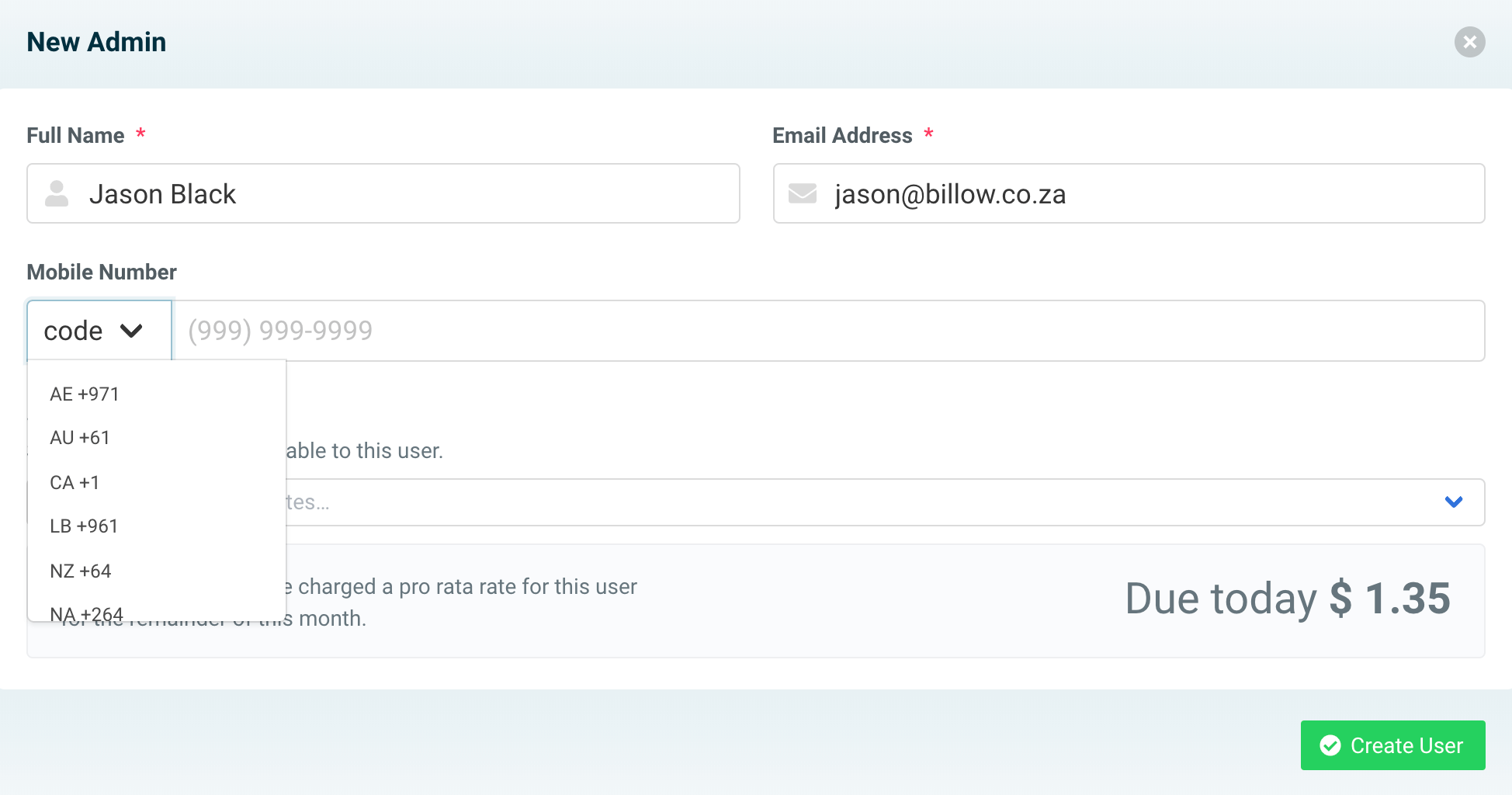
Complete all Admin details.
Step 6:
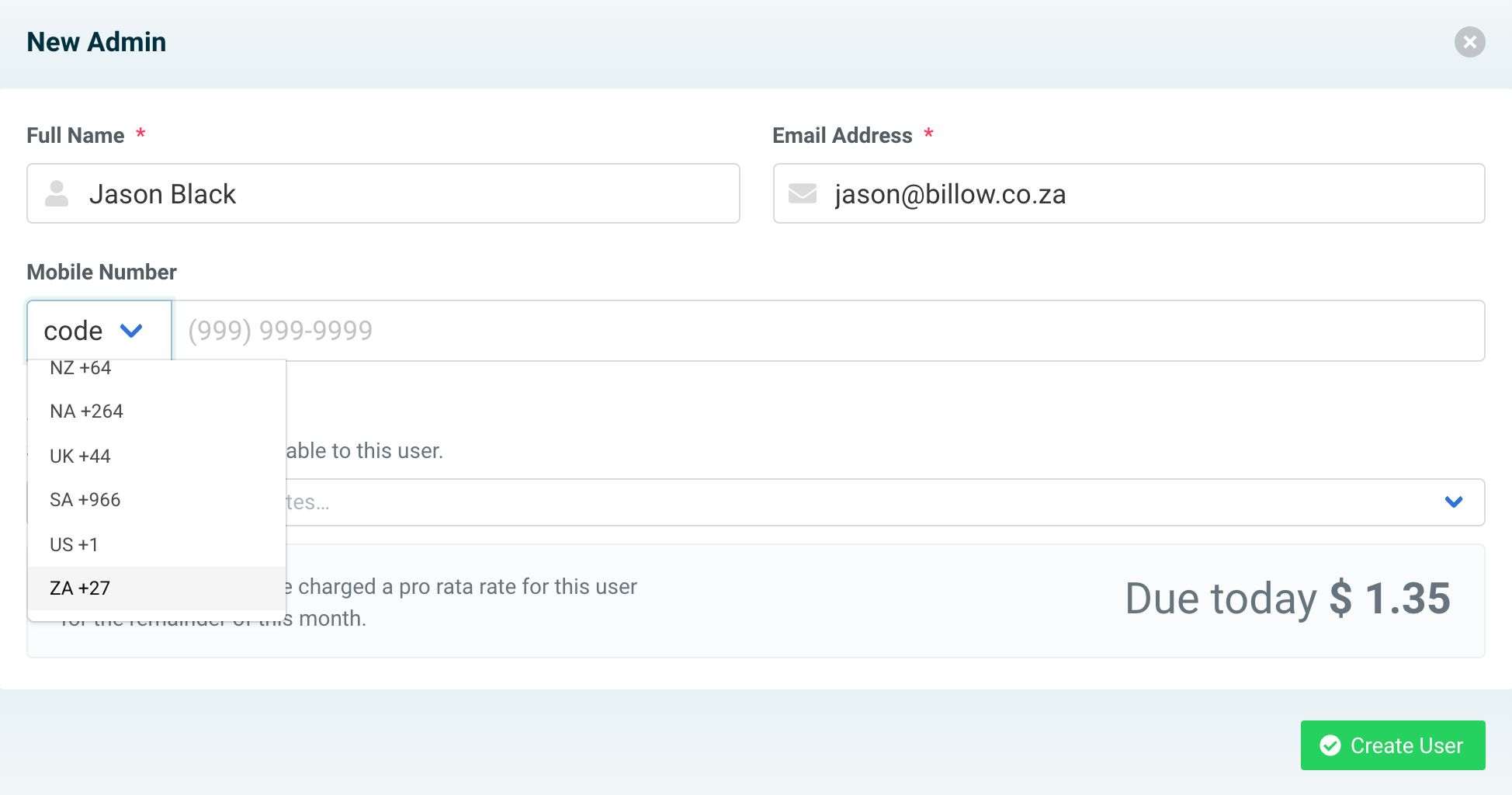
Select an area code.
Step 7:
Provide a contact number.

Step 8:
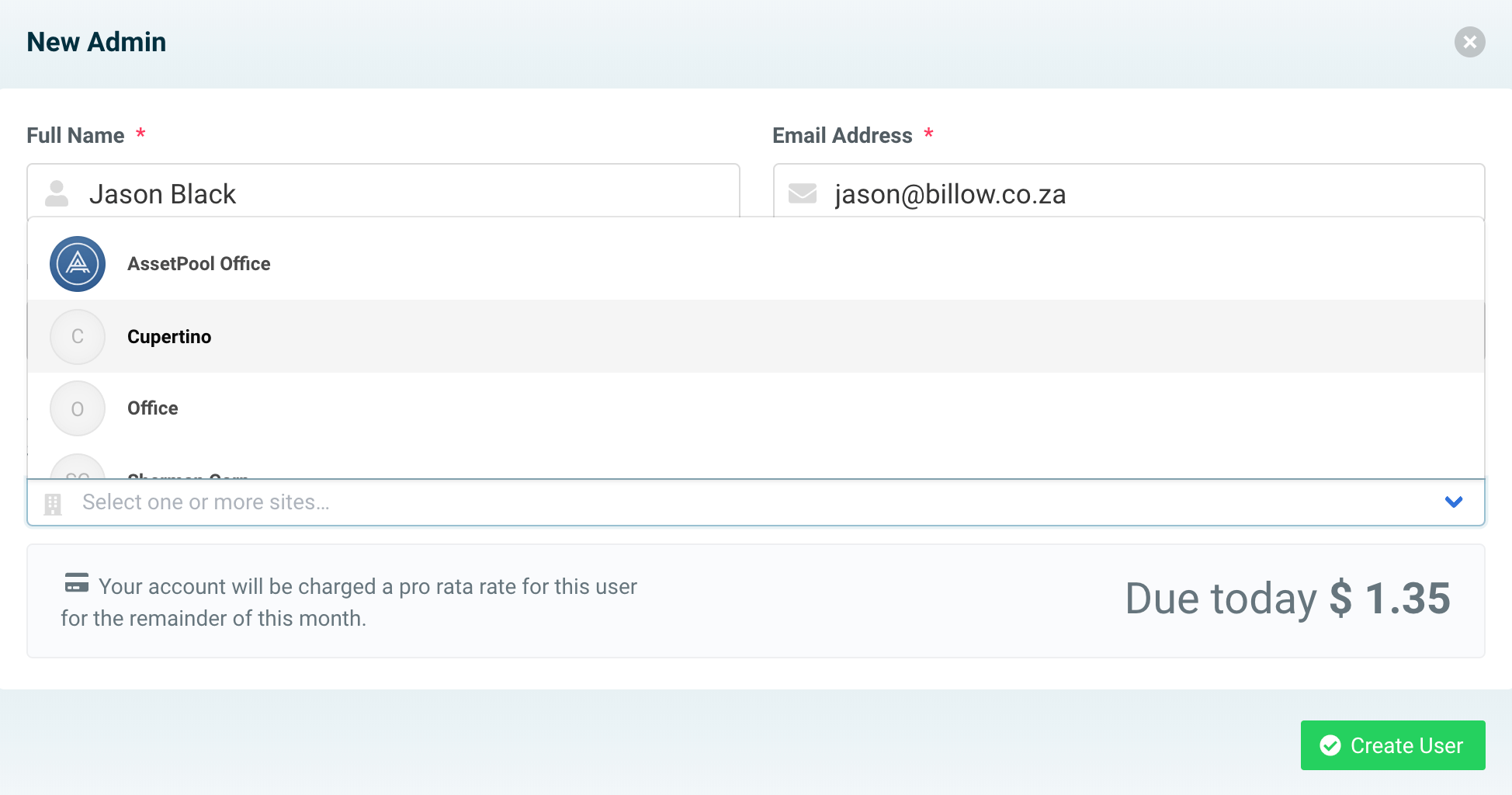
Assign the Sites applicable to the new Admin from the drop-down list provided.
Step 9:
Once you have completed all the below details, click the
✓ Create User
button to save your new user.
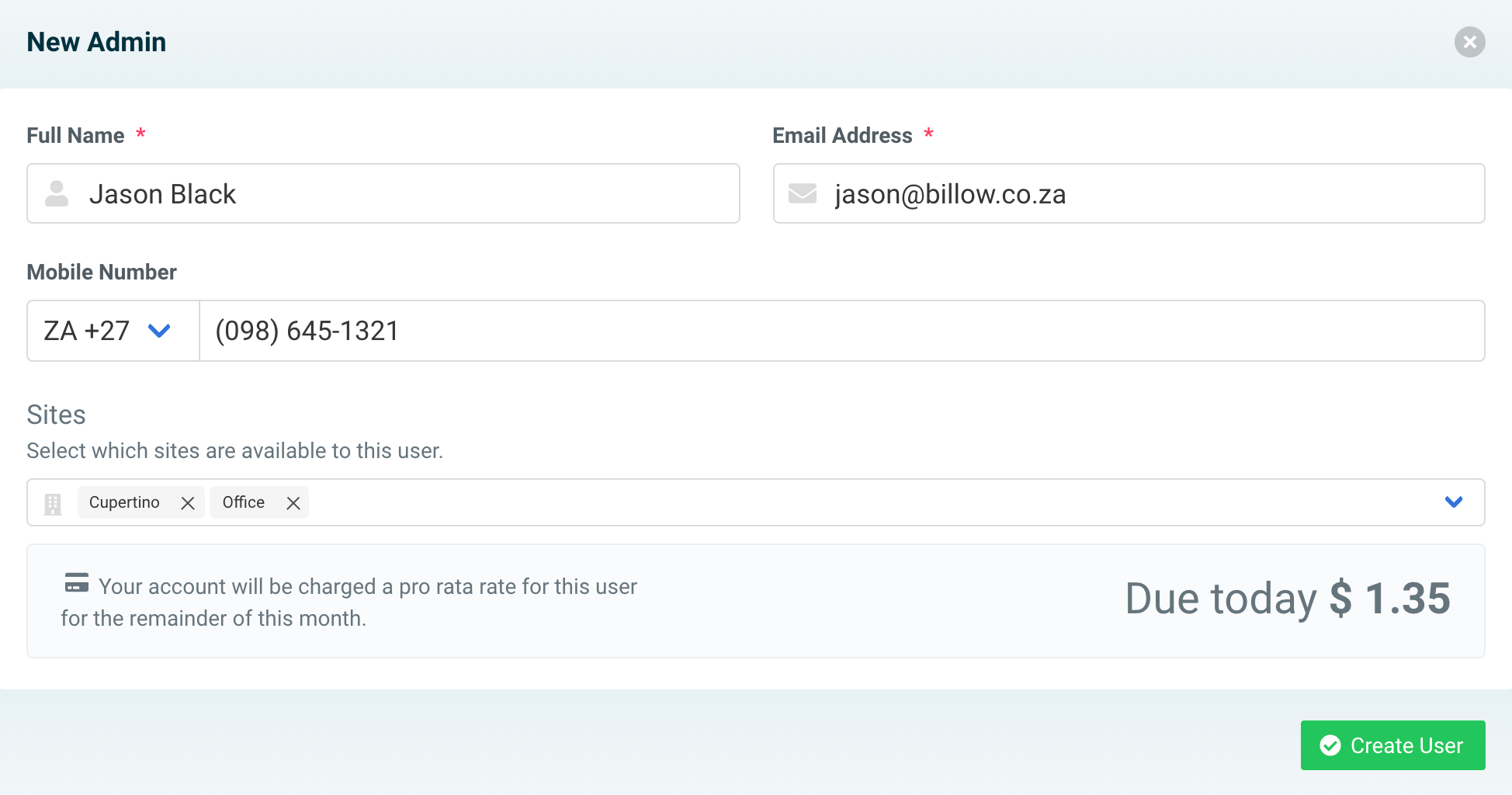
You have now successfully created an Admin!